Are the plugins still in beta?
Yes. All ioline plugins are in beta and still in the testing phase. Features and behaviour may change as
testing continues. If you find a problem, please open an issue on the plugin’s GitHub repository with your
Windows version, DAW or standalone app, and the steps to reproduce it. Your feedback helps shape the next release.
Are the plugins genuinely free?
Yes. Every ioline plugin is available at no cost, in full, with no features withheld, no time limit and no
watermark on your audio. You do not need to create an account or provide an email address to download one.
The suggested donations of $2 per plugin and $15 for the full suite are exactly that: suggestions. They are
entirely optional and do not unlock anything, so the version you download for free is the same version a
donor receives.
What are the system requirements?
The plugins run on 64-bit Windows 10 and Windows 11. Each one is provided both as a VST3 plugin, for use
inside a digital audio workstation such as Ableton Live, Reaper, FL Studio, Cubase or Studio One, and as a
standalone application that runs on its own without a host.
macOS and Linux builds are not currently available.
Should I download the installer or the .zip file?
For most people, the installer is the better choice. It places the standalone application in your Program
Files folder and copies the VST3 plugin to C:\Program Files\Common Files\VST3, which is the
location most audio software scans automatically. After installing, rescan your plugins in your DAW if the
new plugin does not appear straight away.
The .zip file contains the VST3 plugin on its own. It is intended for those who keep their plugins in a
custom folder or who would prefer not to run an installer.
Why does Windows warn me when I run the installer?
The installers are not yet code-signed, so Windows SmartScreen may report that it does not recognise the
application. To continue, select More info and then Run anyway.
Every release is built automatically by GitHub Actions directly from the source code on GitHub, so what you
download corresponds exactly to the published code.
How do I make a donation, and how much should I give?
Select Chip in next to any plugin, or in the suite section for a single donation that covers the
whole collection. Venmo will open with the suggested amount and a short note already filled in; you are
welcome to change the amount to whatever feels right before sending. If you
do not use Venmo, you may pay by card, Apple Pay or Google Pay through Stripe instead, from any country.
A per-plugin donation of $2 is the suggestion for anyone who finds a plugin useful. The $15 suite donation
is intended for those who would like to support the project as a whole, including plugins that have not yet
been released.
What do donations support?
Donations fund the time it takes to design, build and test each plugin, and to keep the existing ones
maintained as hosts and versions of Windows change. They are the reason the next plugin can be made available
for free as well.
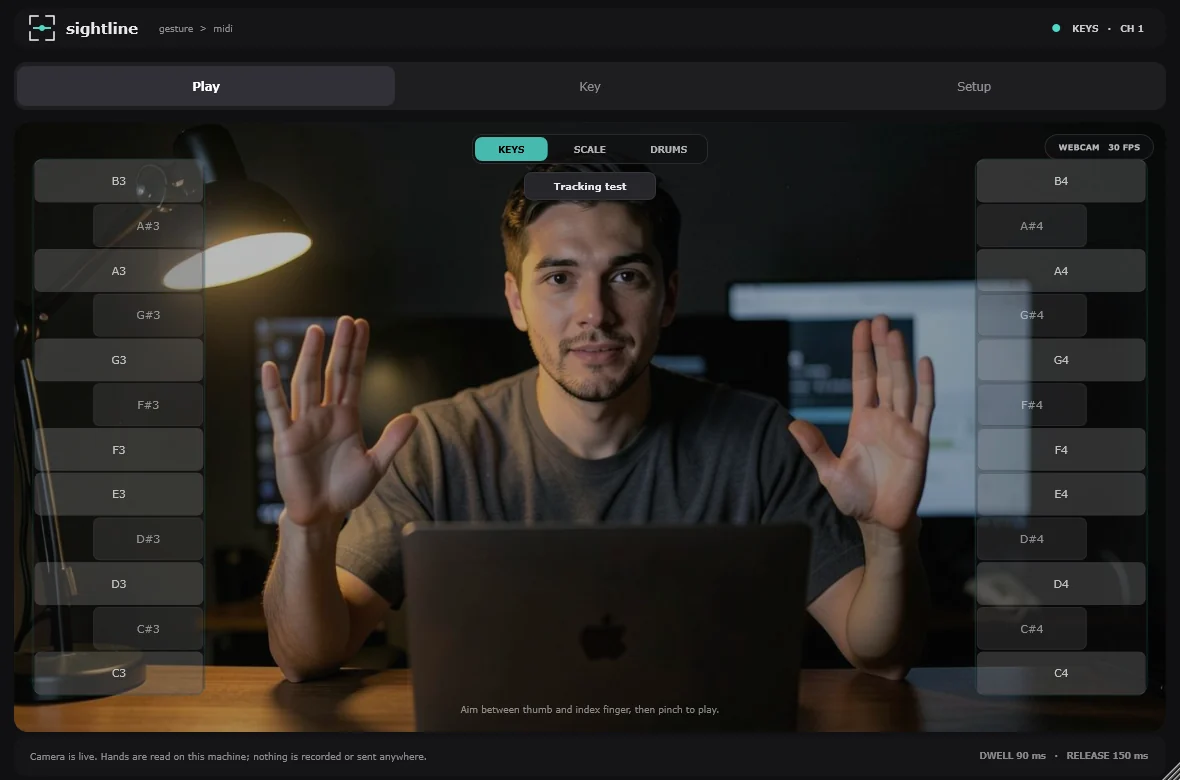
Does sightline record or upload my camera?
No. sightline analyses the position of your hands entirely on your own computer. The camera image is never
recorded, stored or sent anywhere, and the plugin works without an internet connection.
When will glitchline be available?
glitchline is at an early stage of development and does not yet have a release date. It will be free, in
the same way as the rest of the suite, and a suite donation made today already includes it.
Is the source code available?
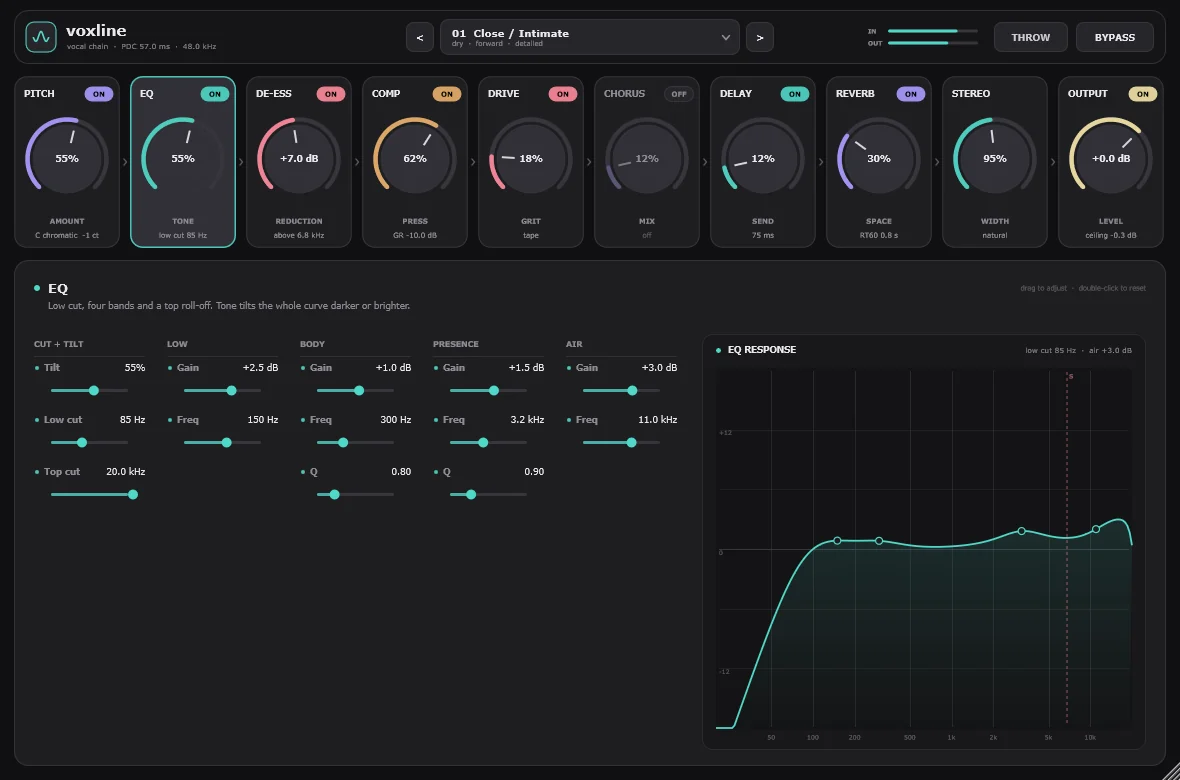
Yes. The source code for voxline,
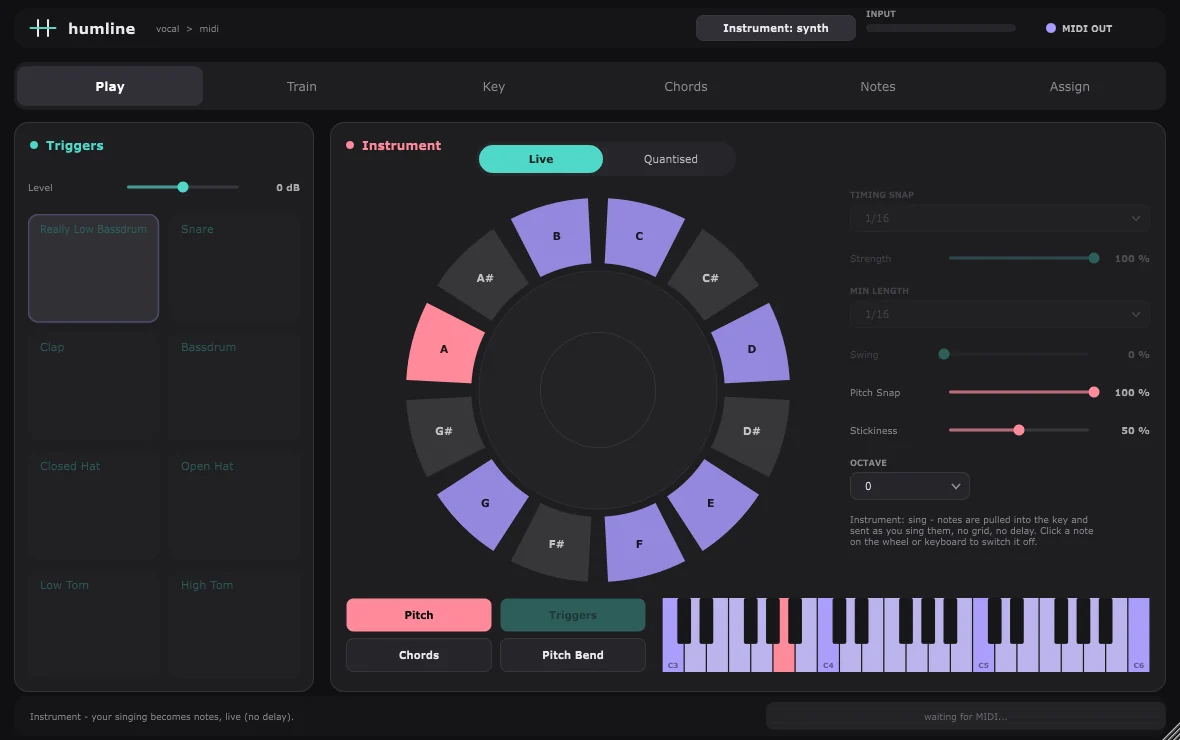
humline,
sightline and
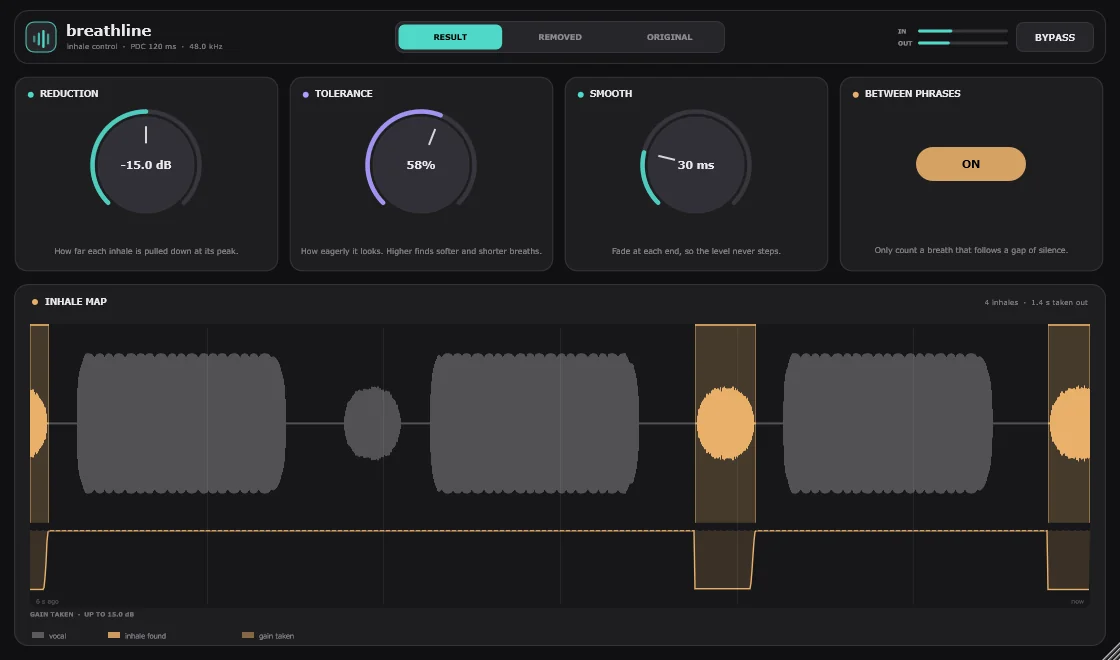
breathline is published on GitHub under the GNU Affero
General Public License, version 3. The source code for
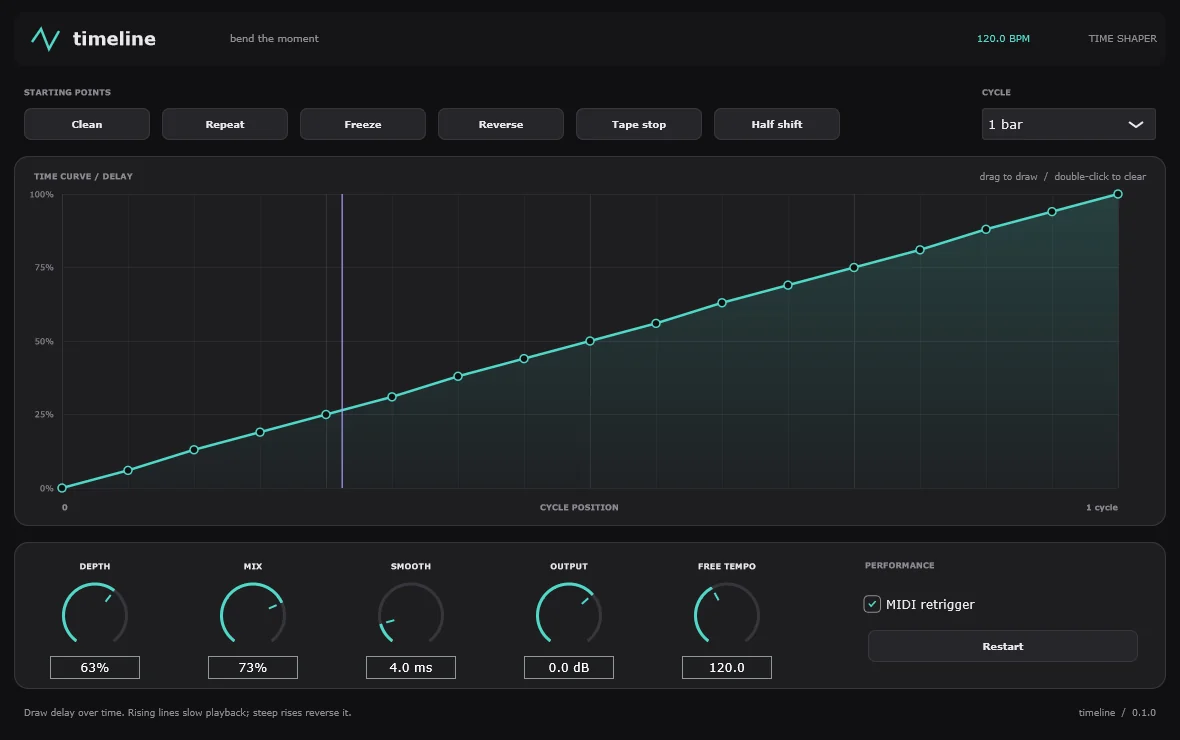
timeline is published on GitHub as well.
How do I report a problem or suggest a feature?
Please open an issue on the GitHub repository for the plugin in question. It is most helpful to include your
version of Windows, the host you are using, and the steps that lead to the problem.